Recent Posts
This oatmeal may be my MOST favoriate oatmeal I’ve ever made so far. It’s not overly sweet, satisfying, and not too high on calories…comes out about 300 kcals for 1 serving. And I can make it in about 20 minutes.
Just finish reading Pachinko by Min Jin Lee. The book triggered my childhood memories.
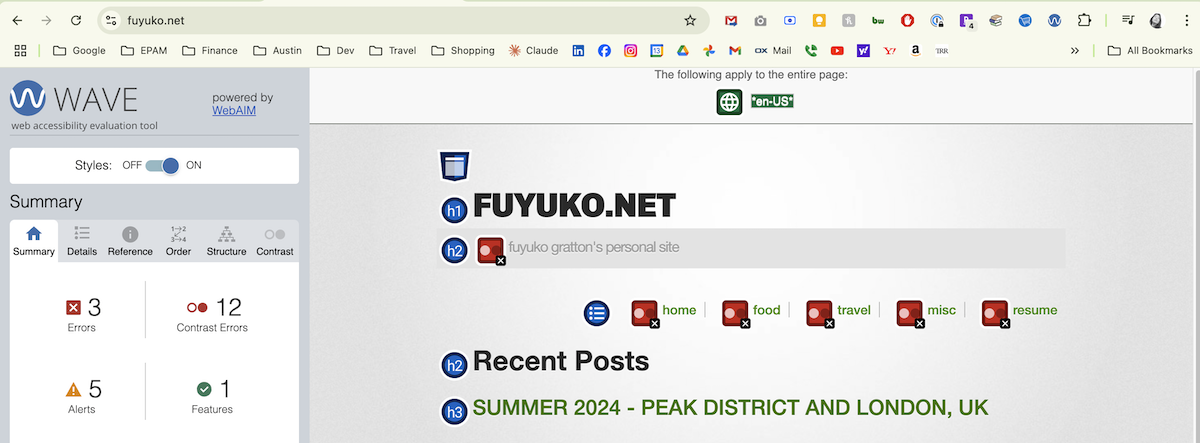
As I watched a video on Accessibility Standards, WCAG, I thought I’d better check my site and make it at least Level A compliant.
After watching Pride and Prejudice, I wanted to visit Chatsworth and check out the gorgeous green scenary. That’s what made me plan this 7 days trip which turned into a 8 day trip (more on that later). I wanted to exlore the English countryside. Also, I needed to escape from the Texan summer, and am alway up for trying out some michelin listed restaurants.